剛剛升級 iPhone 到 OS 3.0
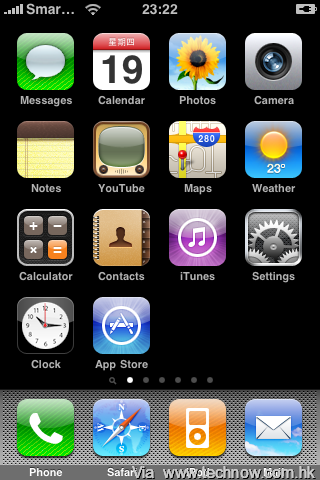
剛剛從 Apple 開發人員帳戶 升級 iPhone 到 OS 3.0,沒有太多的指示但我又想試,所以使用 Jimmy 的Macbook 幫助升級,因為它需要 XCode。
Here is the procedure from my colleague - Jimmy.
- Download the iphone OS 3.0 beta from your developer website (you need to paid to join the developer program)
- Open XCode => Organizer, Change the software version to "Other version", then you can have a dialog box for you to choose the ipsw file.
- Then wait for update.
- Finish. Restore your backup data.
Here you go the new features as follows:
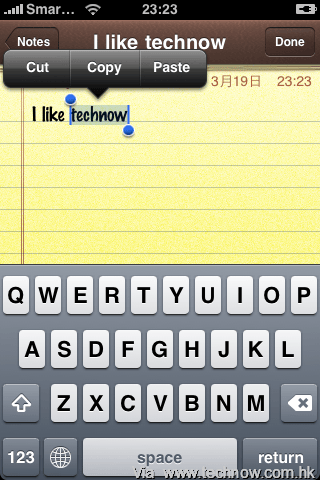
Cut, copy, and paste - It is very handy and easy to use as I thought it could be harder.
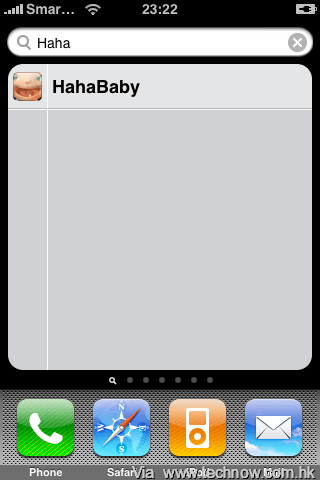
Search your iPhone - When you move the screen to left hand side, it has a all-in-one search bar now. It searches throughout your system including contact, email, sms, etc...
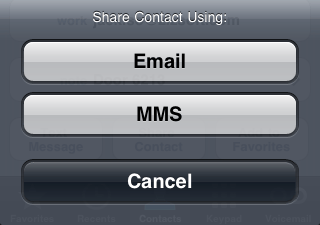
Send photos, contacts, audio files, and location via MMS - Again it is handy.
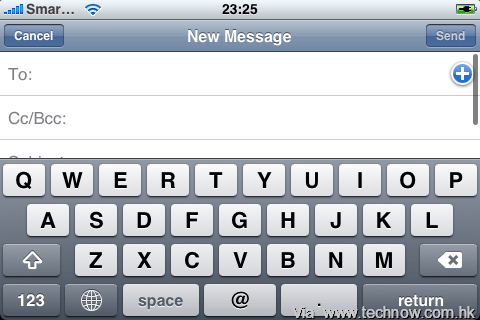
Read and compose email and text messages in landscape.
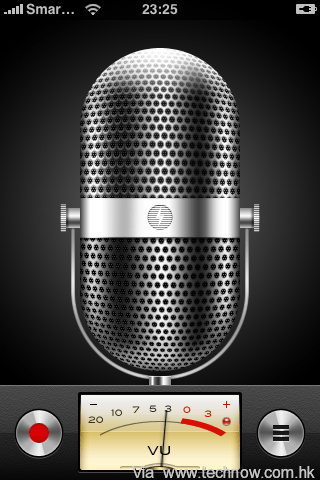
Voice Memos apps - It has a new app which record voice. It is good apps but I prefer iTalk which is free app and in the app store long ago.